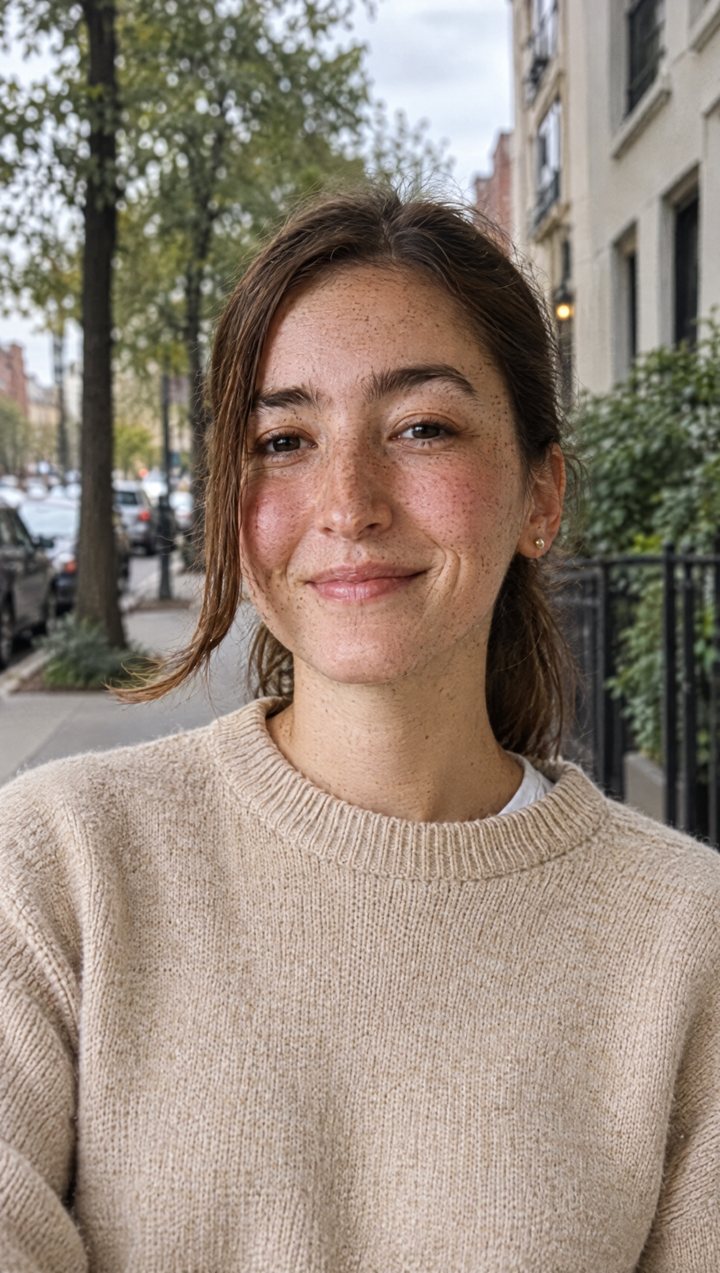
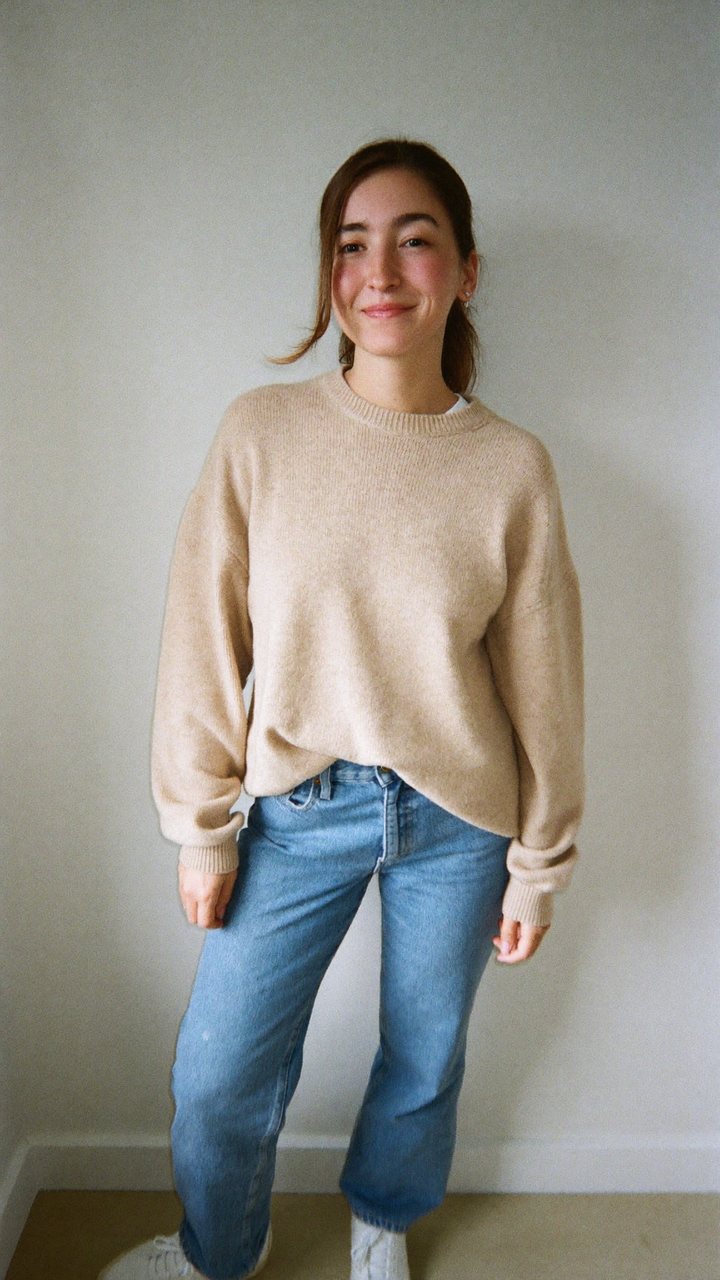
AI creator kit · for TikTok, Reels and Shorts

Keep the motion. Swap the person.

Film one clip or pick a reference. Taken builds your AI character, renders the reference photos and generates the video with the same motion. Photos and videos are included in your plan.

  • Photos and videos included
  • Cancel anytime
  • Secure checkout by Stripe
Original
AI result
KeptMotion path, timing, camera move, framing
ChangedPerson, outfit, car, product or background

Real output

See the work before you choose.

Original clip on the left, Taken result on the right. Same walk, same stop, same turn. The person is the character from the Photos step. Unedited.

OriginalGenerated source clip, 6 s
Taken resultMotion transfer with the character photo
Full-body reference photo of the AI character: a woman in a black cap and grey hoodie
Reference photoRendered in the Photos step

How it works

From a clip to a finished AI video.

Four stages, all inside Taken. Film one clip yourself, the rest is generated.

  1. 1.0

    Build your character

    Pick age, look, outfit and profession. Lock what you like, reroll the rest. Or describe a real person you have permission to use.

    In Taken
  2. 2.0

    Render the reference photos

    One click renders a full-body photo and a matching close-up with Nano Banana Pro. Same face in both, which is what keeps the video consistent.

    In Taken · 2 image credits
  3. 3.0

    Upload a clip

    Film yourself or use a reference you have the rights to, 3 to 10 seconds. Pick your character photo. Taken writes the prompt for you.

    In Taken
  4. 4.0

    Generate and post

    Kling motion control renders the video in a few minutes. Check it against the review checklist, download, post.

    In Taken · 1 video credit

What's inside

Everything in the kit.

One subscription. Everything below, updated as the models change.

The main tool

Taken Studio

A step-by-step workspace that renders the photos and the video for you. No other tools needed.

  • Character builder. Age, look, outfit, profession, setting. Lock and reroll per field.
  • Photo generator. Full-body avatar and matching close-up, rendered with Nano Banana Pro at 2K. Or start from your own photo.
  • Video generator. Upload a clip, pick your character, get the swap with Kling 2.6 motion control. Prompts are also exportable for Higgsfield if you prefer.
  • My Creations. Every photo and video you generate, with download links, plus your characters and prompts.
// example output Transfer the motion from the reference video to the person in the reference images. Keep the camera move, timing and framing exactly. Replace the subject with a woman in her late 20s, olive skin, dark shoulder-length hair, black cap, oversized grey hoodie, white sneakers. Same street, same lighting, no other changes.

Lessons

6 step-by-step lessons

  • The full workflow, start to finish
  • Creating your avatar
  • Getting the motion right
  • Spending less on Higgsfield credits
  • What to do when a result fails
  • Posting without getting flagged

Included

Monthly generation credits

Creator: 20 images and 3 videos a month. Pro: 60 images and 10 videos. Credits reset on your billing date. A failed render is refunded automatically.

Pro

Private community

Ask questions, share results and see what other creators are making. Included in the Pro plan.

Pro

Review checklist and support

A result-review checklist for every video, plus priority email support when something does not come out right.

Pricing

Two plans. Cancel anytime.

Billed monthly through Stripe. Image and video generation is included. You can cancel from your account page in one click.

Creator

$19/ month

For one creator who wants the tool and the lessons.

  • 20 images and 3 videos a month
  • Taken Studio: character, photos, video
  • All 6 lessons
  • My Creations
  • Monthly prompt updates
  • Private community
  • Priority support

$19/month · cancel anytime

No surprises

What you need, and what it costs.

Taken: Studio, lessons, creditsCreator or Profrom $19/mo
Reference photosRendered inside Taken (Nano Banana Pro, 2K). 2 credits per character.included
VideosRendered inside Taken (Kling 2.6 motion control, up to 10 s). 1 credit each.included
More than your monthly creditsUpgrade to Pro, or export the prompt and render in Higgsfield on your own planoptional

Lesson 4 covers how to make every credit count: good clips, calm hands, one change per retry.

FAQ

Questions before you buy.

Is this a subscription?

Yes. Creator is $19 a month and Pro is $39 a month. You can cancel from your account page at any time and keep access until the end of the paid month.

Do I need to pay for anything else?

No. Photos and videos are rendered inside Taken from your monthly credits. If you need more than your plan includes, upgrade to Pro, or export the prompt and render it in Higgsfield on your own account.

I have never used AI tools. Can I do this?

Yes. The Studio walks you through four steps in order, and each step has a short lesson. The first video takes about twenty minutes. After that, around five.

Can I use a photo of myself or someone else?

Yes, if you have permission to use the photo. Upload it in the Photos step and Taken renders the reference photos with that face.

Where do I find everything after I pay?

Right after checkout you land in Taken Studio. Later, sign in with the email you paid with. We send a 6-digit code, no password needed.

Are results or earnings guaranteed?

No. Taken gives you the tools and the method. Views and sales depend on your niche, your offer and what you post.

Start creating today

Your next post should not start from zero.

Build your character tonight. Post your first AI video tomorrow.

Choose a plan